Mac apps we’d tell a friend about, and who should skip each one.
Just added
The newest apps on Mac & These.
TypeNod
Preview on-device translations as you type, then insert them into Mac text fields.
“Writing to someone in their language without bouncing to a translator tab and pasting back. It works in Mail, chats and browser fields alike, nothing leaves the Mac, and it never touches your clipboard.”
Pay once
Veil
Keep one window clear and blur the rest while you share your Mac screen.
“Sharing your entire screen without worrying about what sits behind the demo. It works on the screen itself, so it covers every call app at once, and everything stays on the Mac.”
Pay onceMenu bar
PuppyOne
A local-first workspace where you and your AI work on the same files.
“Most AI tools keep your work in their own cloud. PuppyOne keeps it as plain files in a folder on your Mac, with a history of every AI edit. The desktop app is open source under Apache-2.0; the paid Cloud plans keep the folder online for agents on other devices and for teammates.”
Free + Pro
Strata
See what fills your disk, then clear it in a way you can undo.
“A disk cleaner that shows its work: you see exactly what will go and why, and nothing is erased outright. The free version already maps the whole drive.”
Free + Pro
First apps on a new Mac
 7 apps
What we install before anything else.
Raycast
A keyboard launcher that runs your whole Mac.
“The first thing we install on a new Mac. Clipboard history, snippets and window snapping come built in, so it replaces three or four other utilities on its own.”
Free + ProMenu bar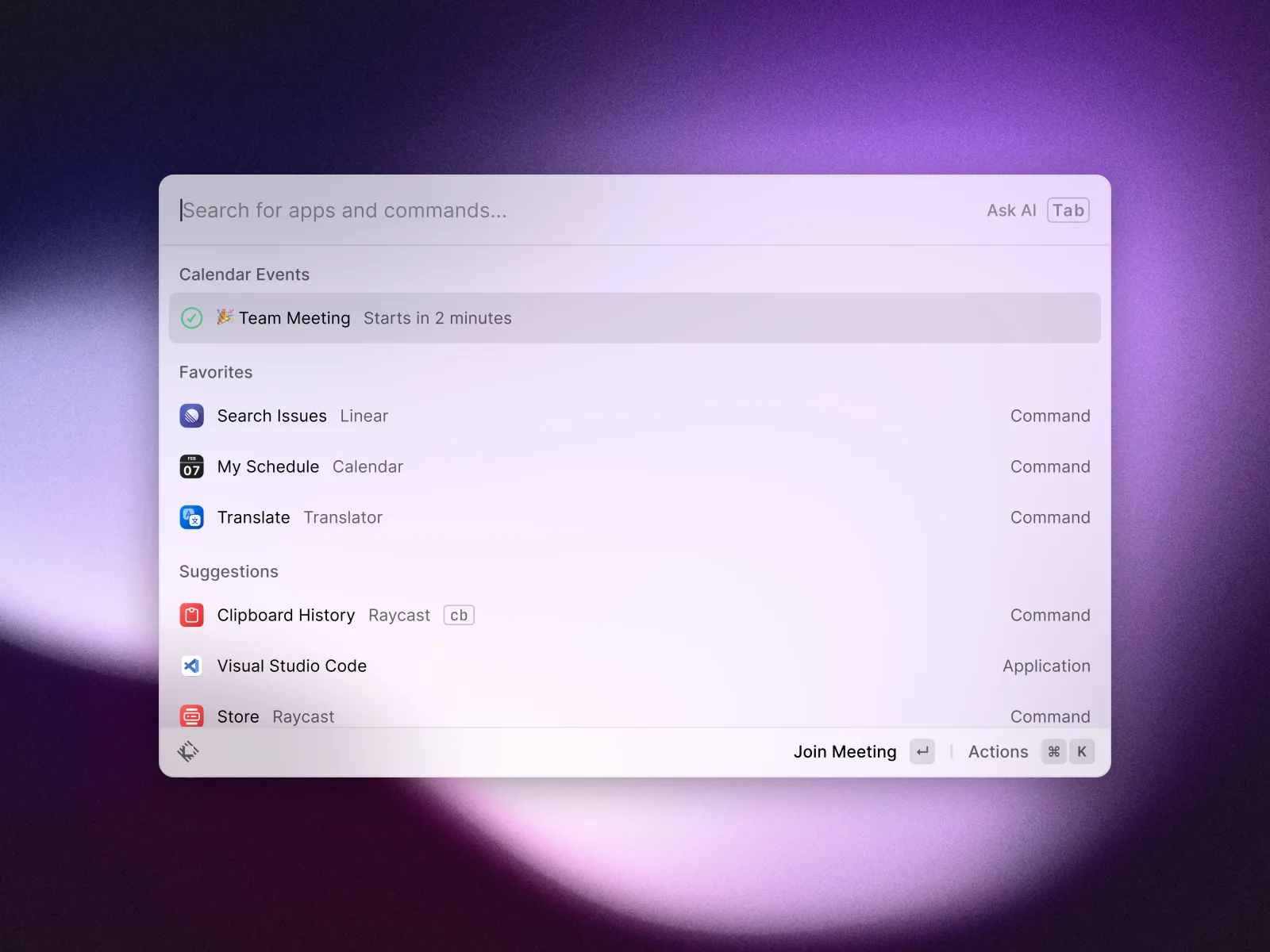
Ghostty
A fast terminal that looks and feels like a Mac app.
“Fast like the GPU terminals, native like Terminal.app, and the defaults are good enough that most people never open the config file.”
Open source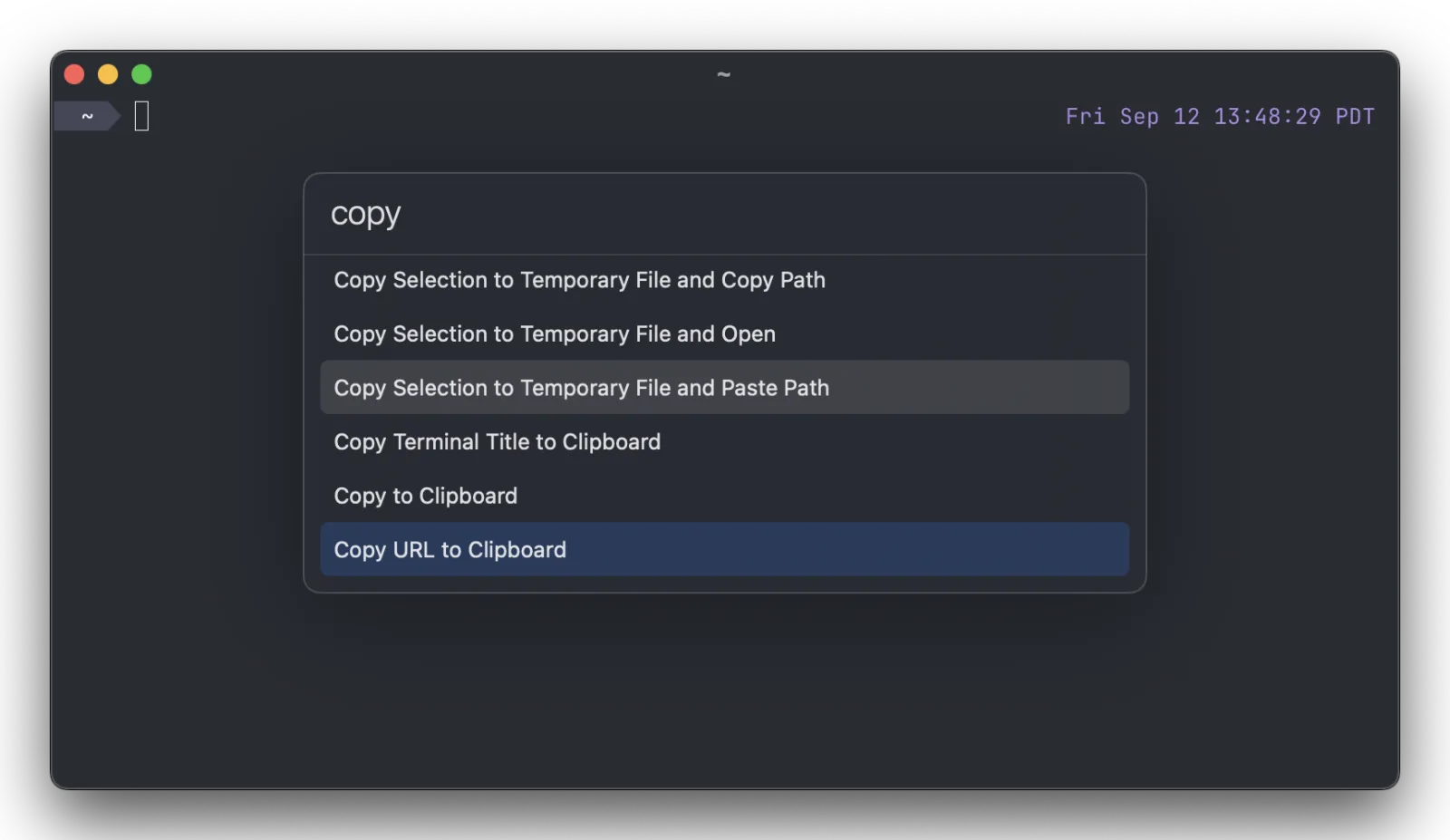
Keka
Compress and extract almost any archive format.
“The archive utility macOS should ship with. The free download and the paid App Store copy are the same app; buying it just supports the developer.”
Free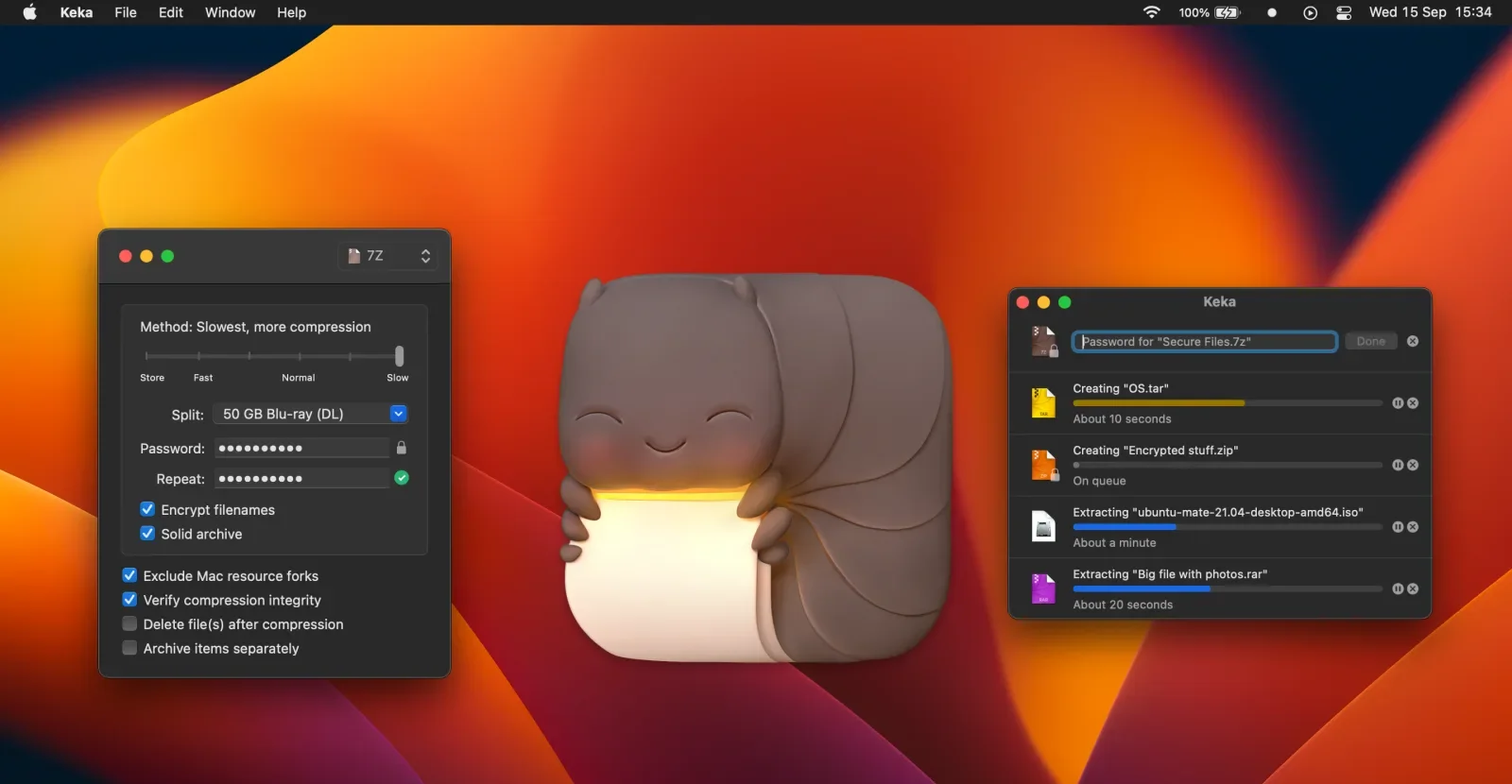

Amphetamine
Keep your Mac awake on your terms.
“Free, no ads, no upsell, and the triggers mean you set it up once and stop thinking about sleep settings.”
FreeMenu bar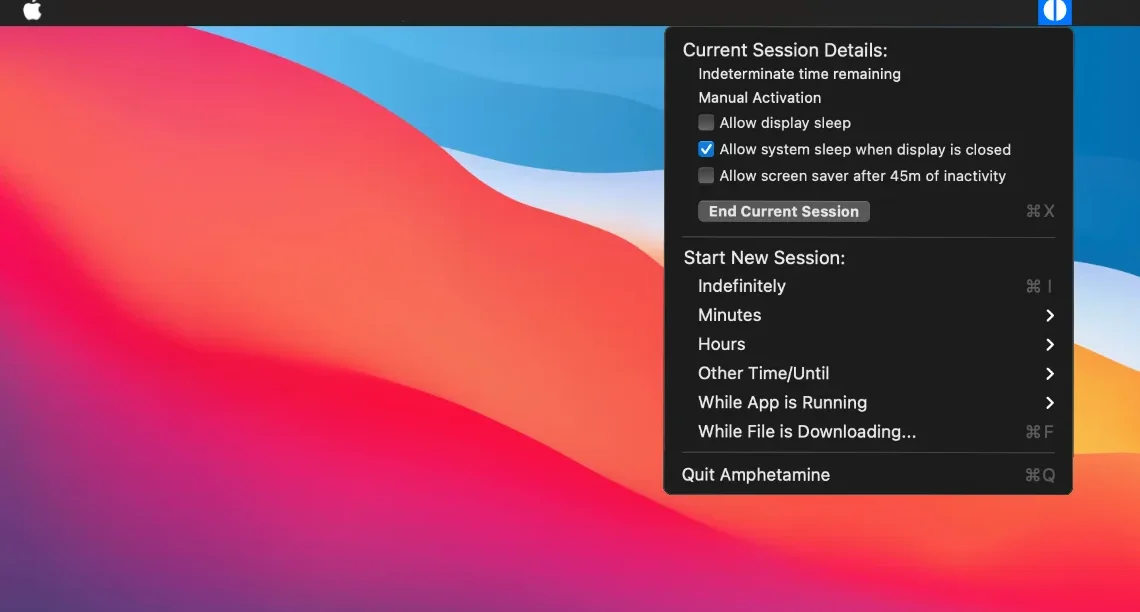
Aside
A web browser with an AI agent that does the clicking.
“The agent browser that feels most like a real browser first, and it asks before it spends your money or sends anything on your behalf.”
Free + Pro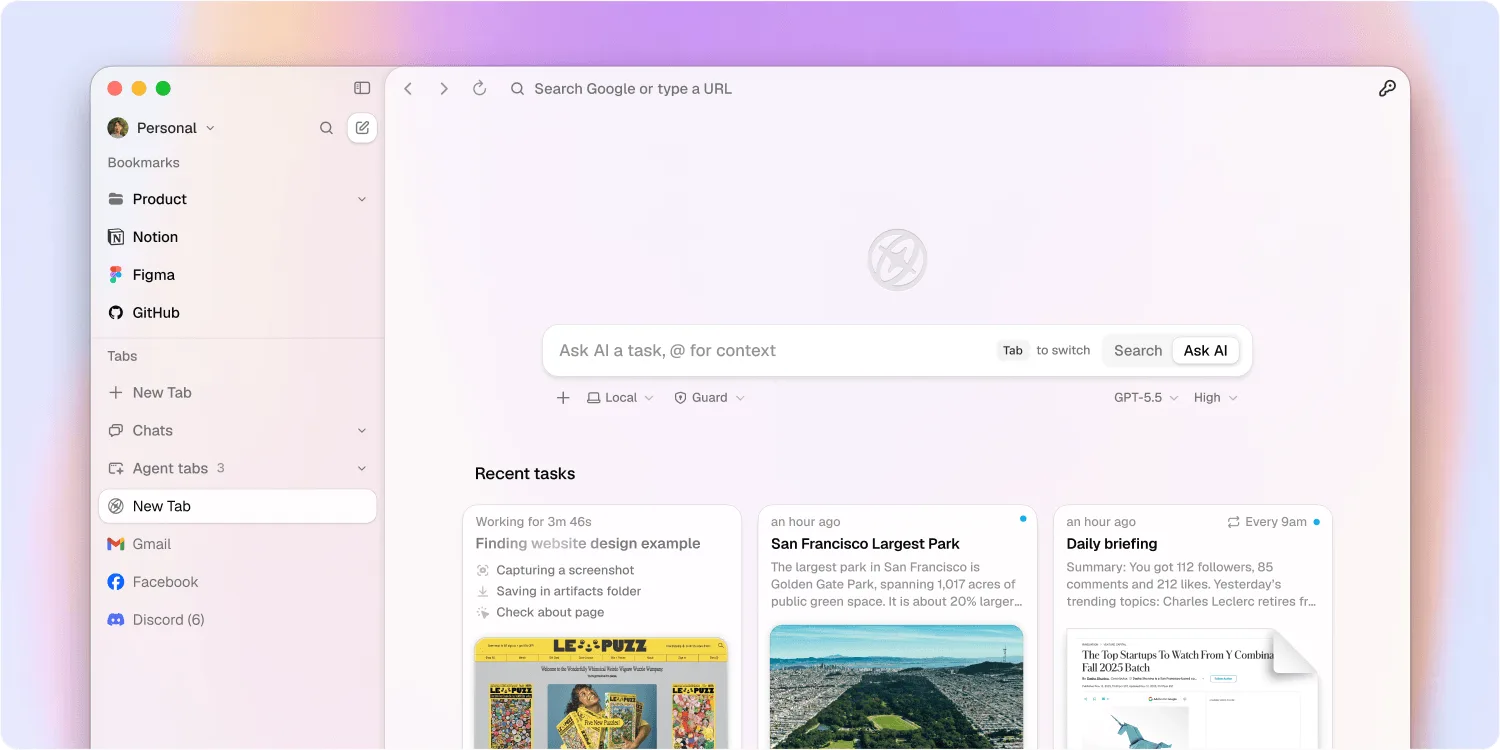
Mole
Clean, uninstall, analyse and monitor your Mac, in one native app.
“CleanMyMac, an uninstaller, DaisyDisk and iStat Menus in one well-made app, from the developer of the free Mole command-line tool with over 70,000 GitHub stars. You review every item before anything is deleted.”
Pay onceMenu bar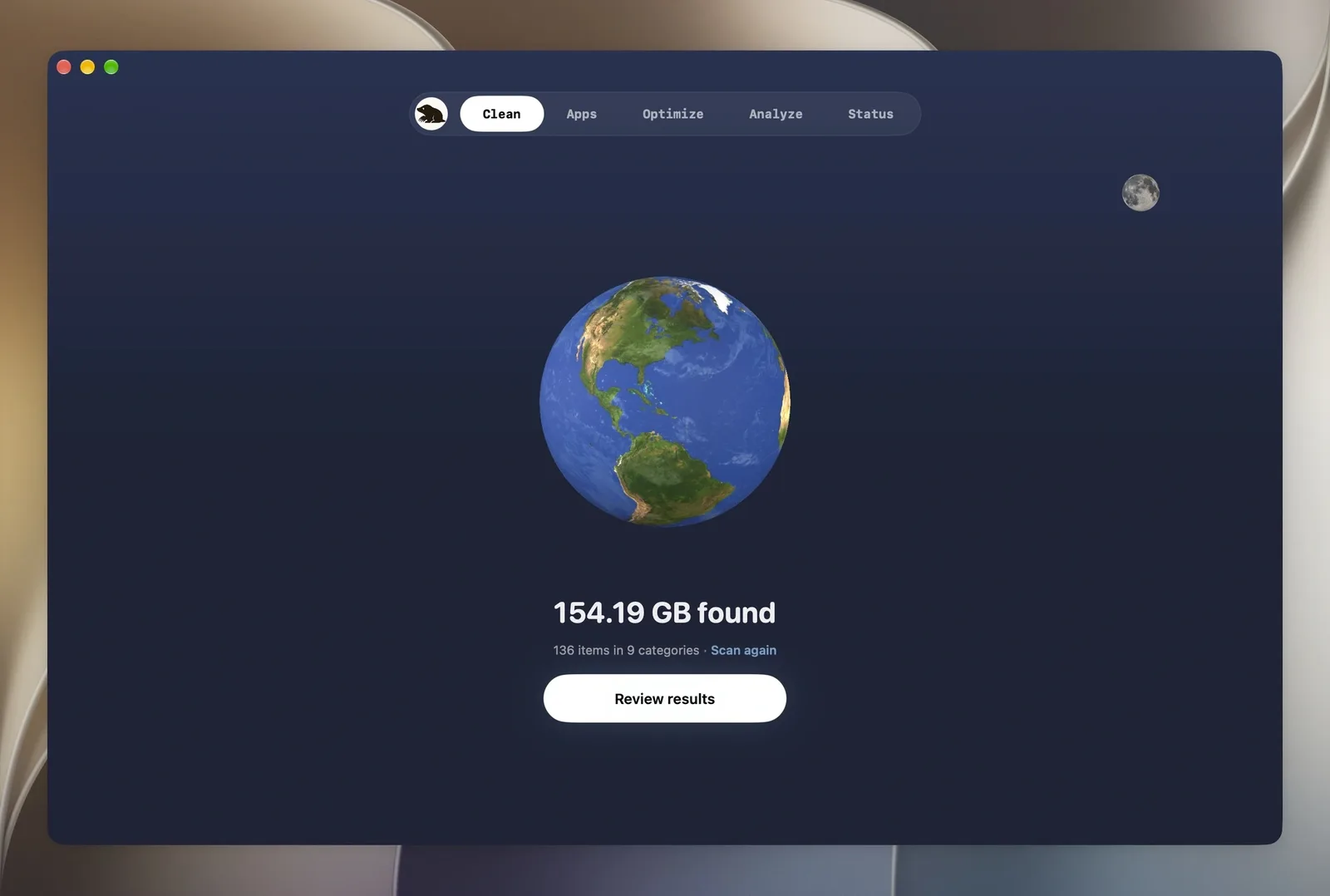
Mullvad VPN
An anonymous VPN with one flat monthly price.
“The only VPN we recommend without reservations. No email, no personal details, one honest flat price.”
SubscriptionMenu bar
Menu bar all-stars

 13 apps
Small utilities that earn their pixel of space.
Itsytv
Control your Apple TV from the Mac menu bar.
“Typing a search into an Apple TV with a real keyboard is worth the download on its own.”
Open sourceMenu bar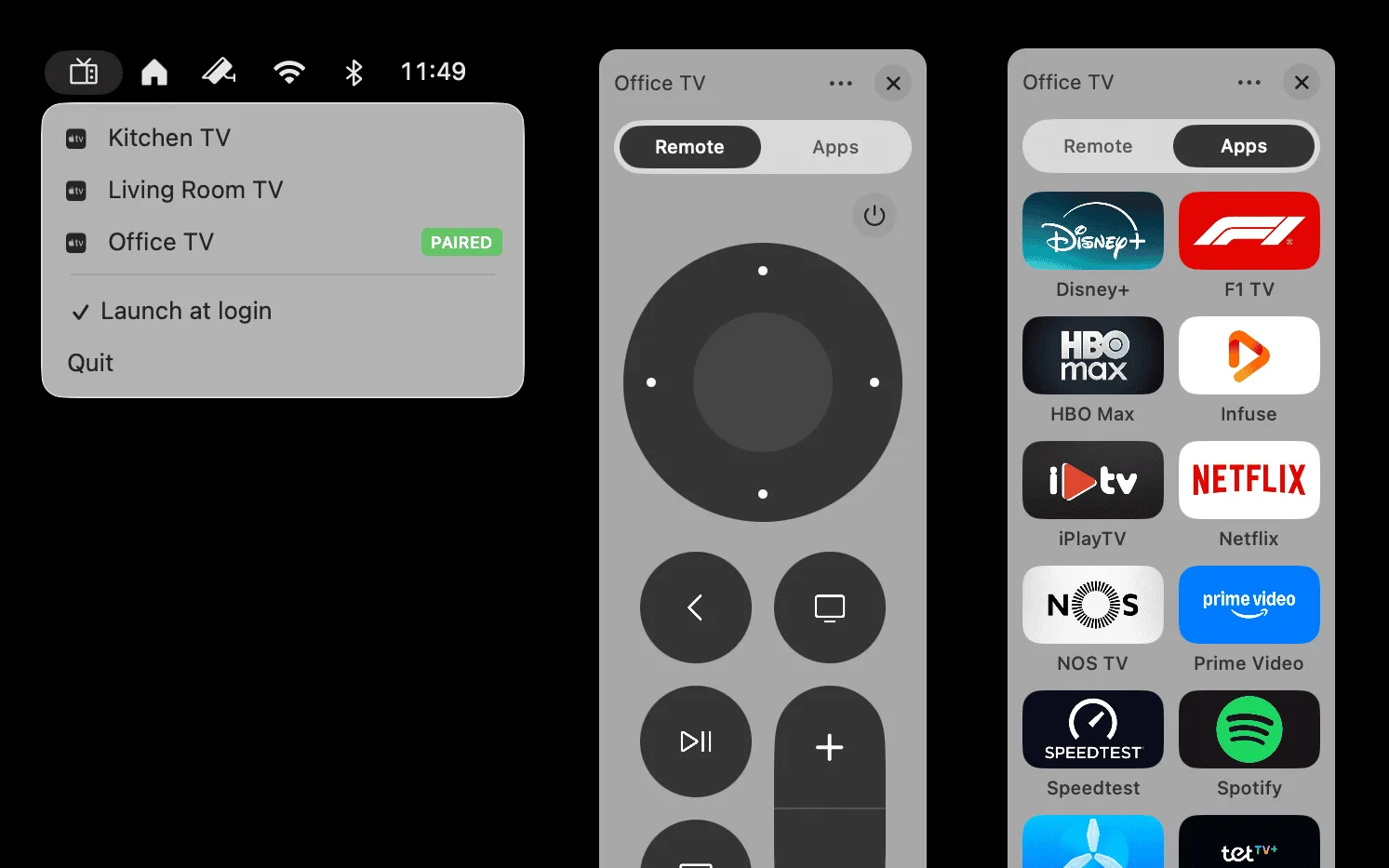
Micro Snitch
Know the moment an app turns on your mic or camera.
“From the makers of Little Snitch. Tiny, trustworthy and set-and-forget.”
Pay onceMenu bar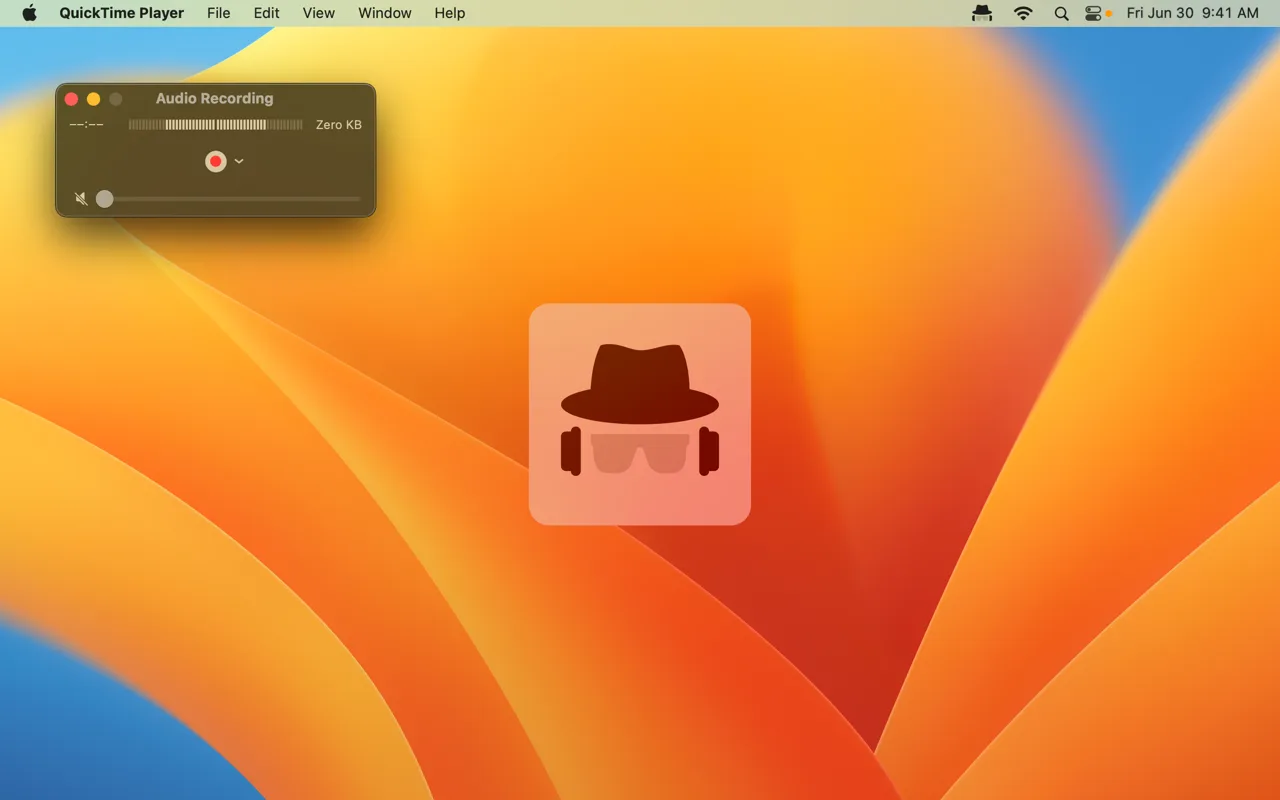
Klack
Mechanical keyboard sounds for every keystroke.
“Pure delight for five dollars. It makes a MacBook keyboard feel like a custom board.”
Pay onceMenu bar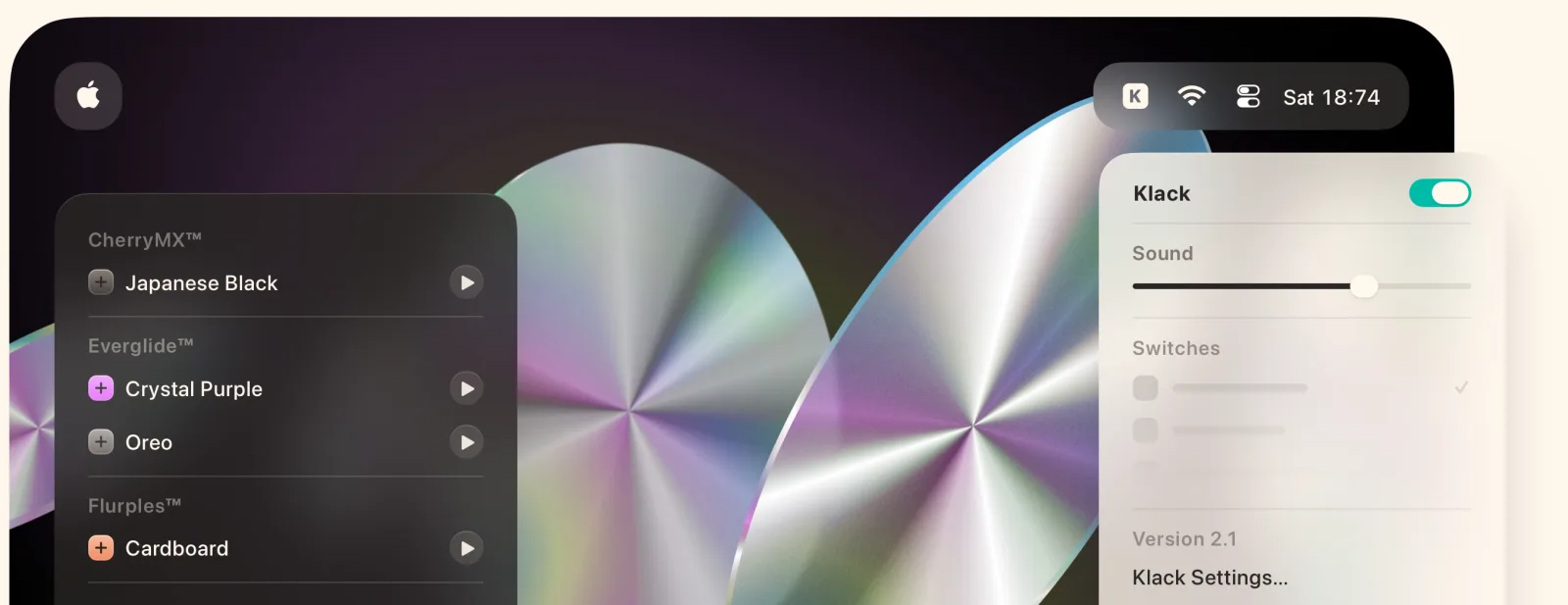

Scroll Reverser
Natural scrolling on the trackpad, classic on the mouse.
“Fixes the one setting macOS forces you to share between trackpad and mouse. Tiny, free and finished.”
Open sourceMenu bar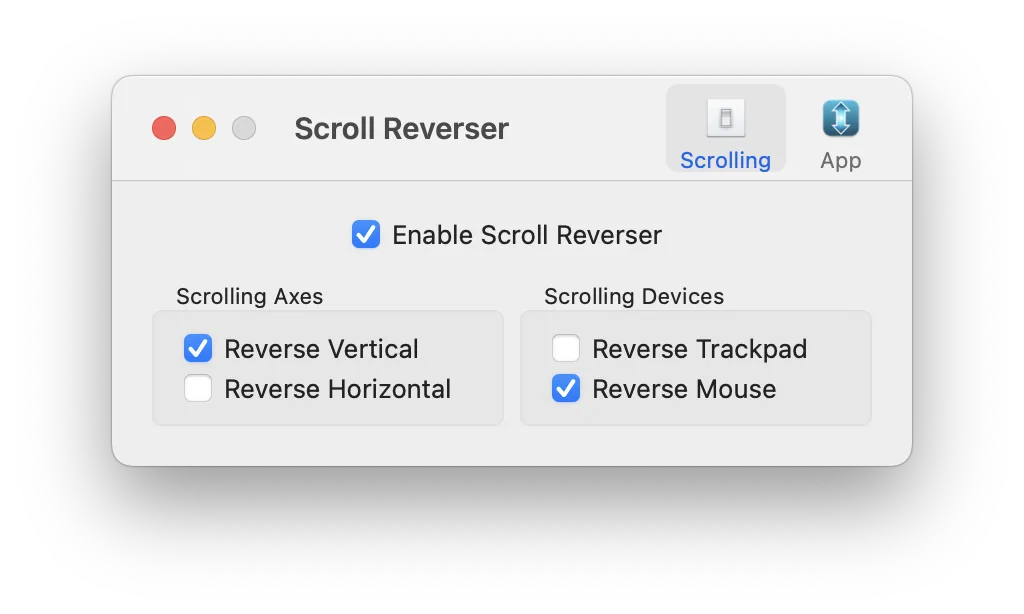

WhatCable
See what each USB-C cable can actually do.
“Finally, a way to sort the drawer of identical-looking USB-C cables. The free, open-source core covers what most people need.”
Free + ProMenu bar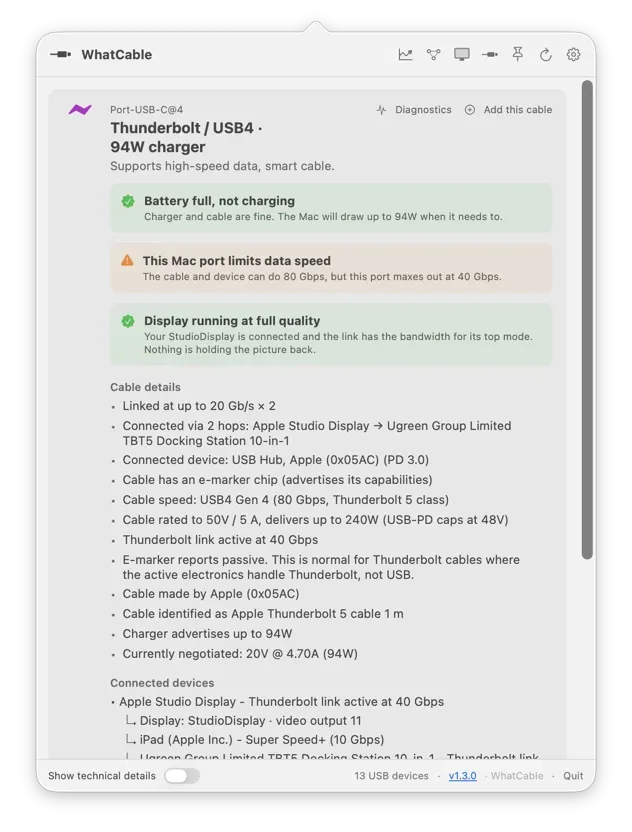
Amphetamine
Keep your Mac awake on your terms.
“Free, no ads, no upsell, and the triggers mean you set it up once and stop thinking about sleep settings.”
FreeMenu bar
Backtrack
Save the last hour of audio after it happened.
“It quietly records in the background, so the moment you think “I wish I’d recorded that”, you already have.”
Free + ProMenu bar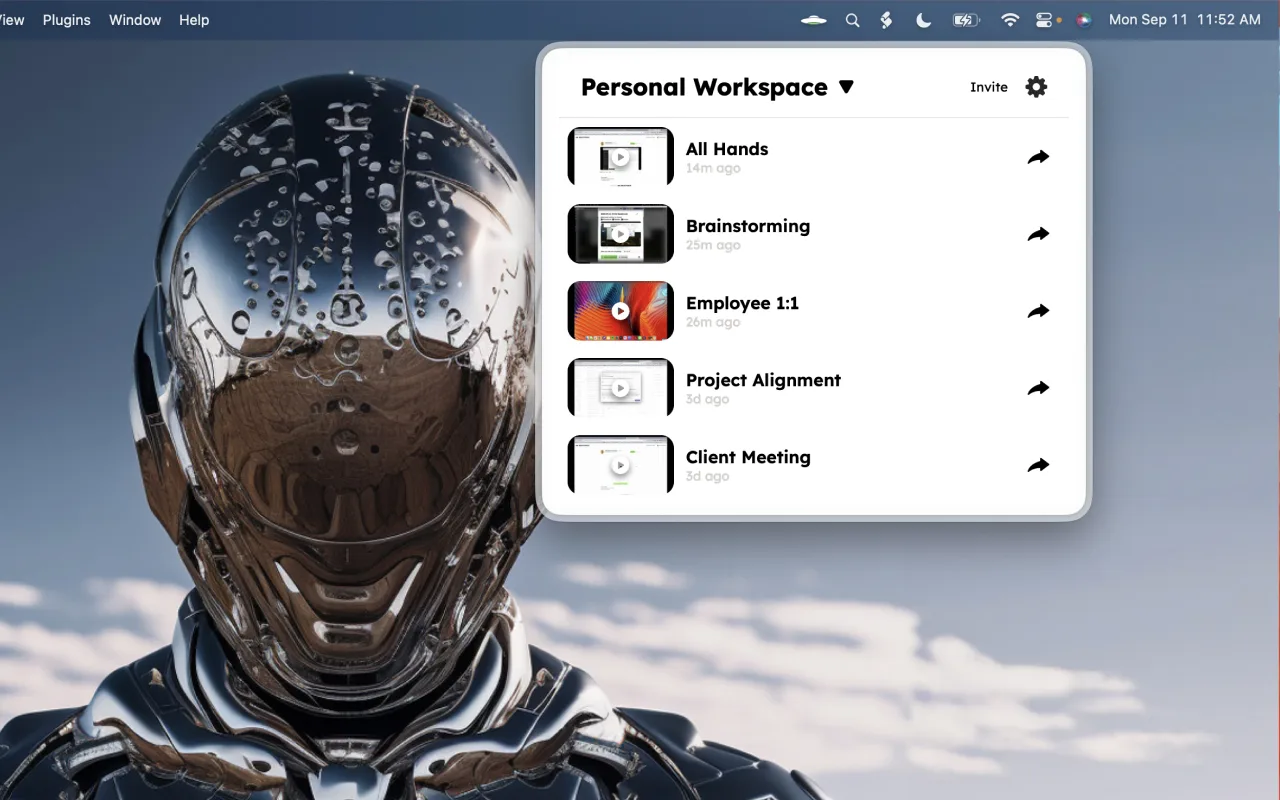
DisplayBuddy
Monitor brightness, volume and inputs from the menu bar.
“External monitors come with the worst buttons ever designed. DisplayBuddy puts every one of them in your menu bar, and presets switch a whole desk setup in one click.”
Pay onceMenu bar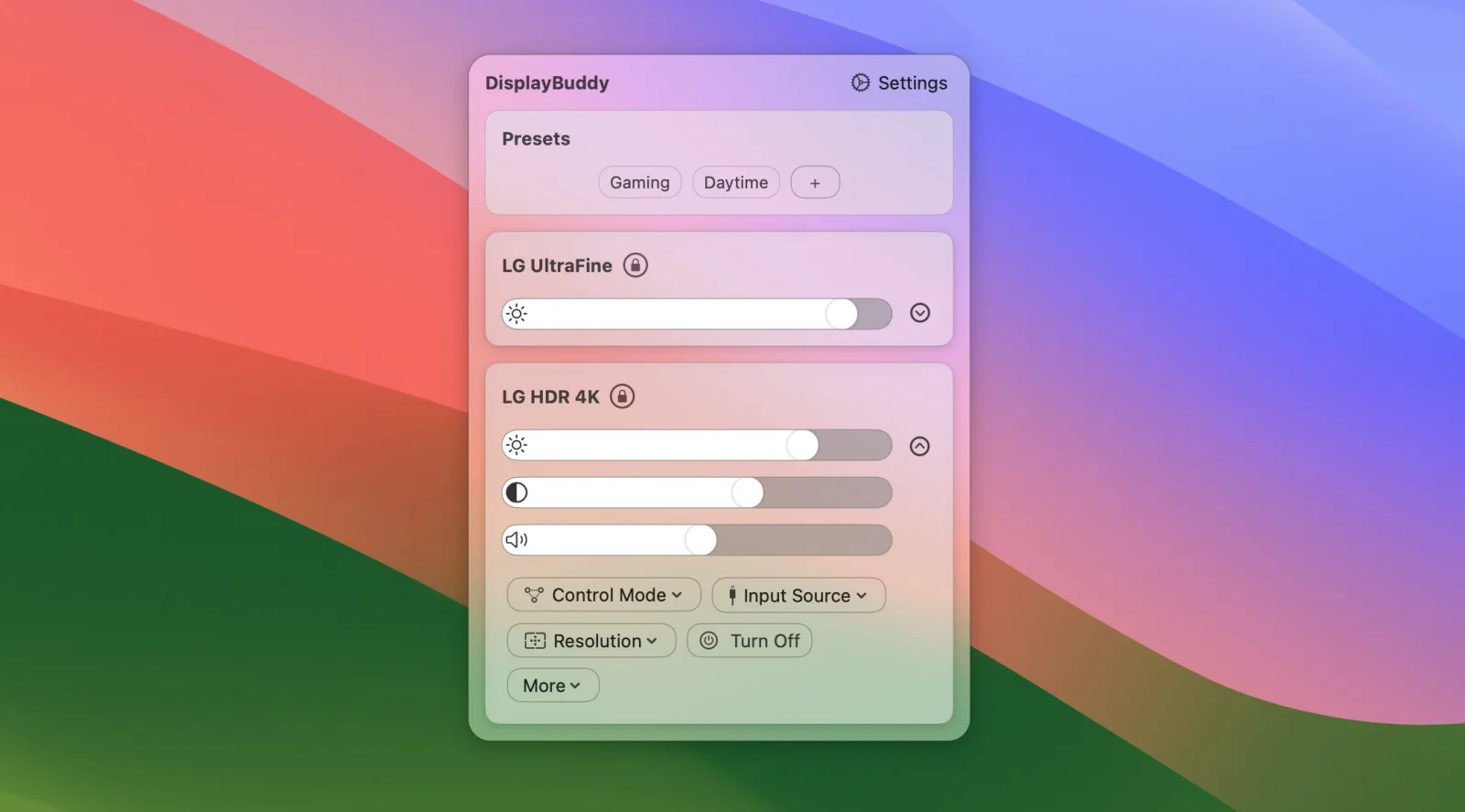
SnapState
Puts your Mac windows, apps, browser tabs and Spaces back after sleep, a restart or a monitor reconnect.
“For anyone whose carefully arranged desk falls apart every time the external monitor sleeps. Save the setup once, and one click or a shortcut puts every window back on the right screen and the right Space.”
Pay onceMenu bar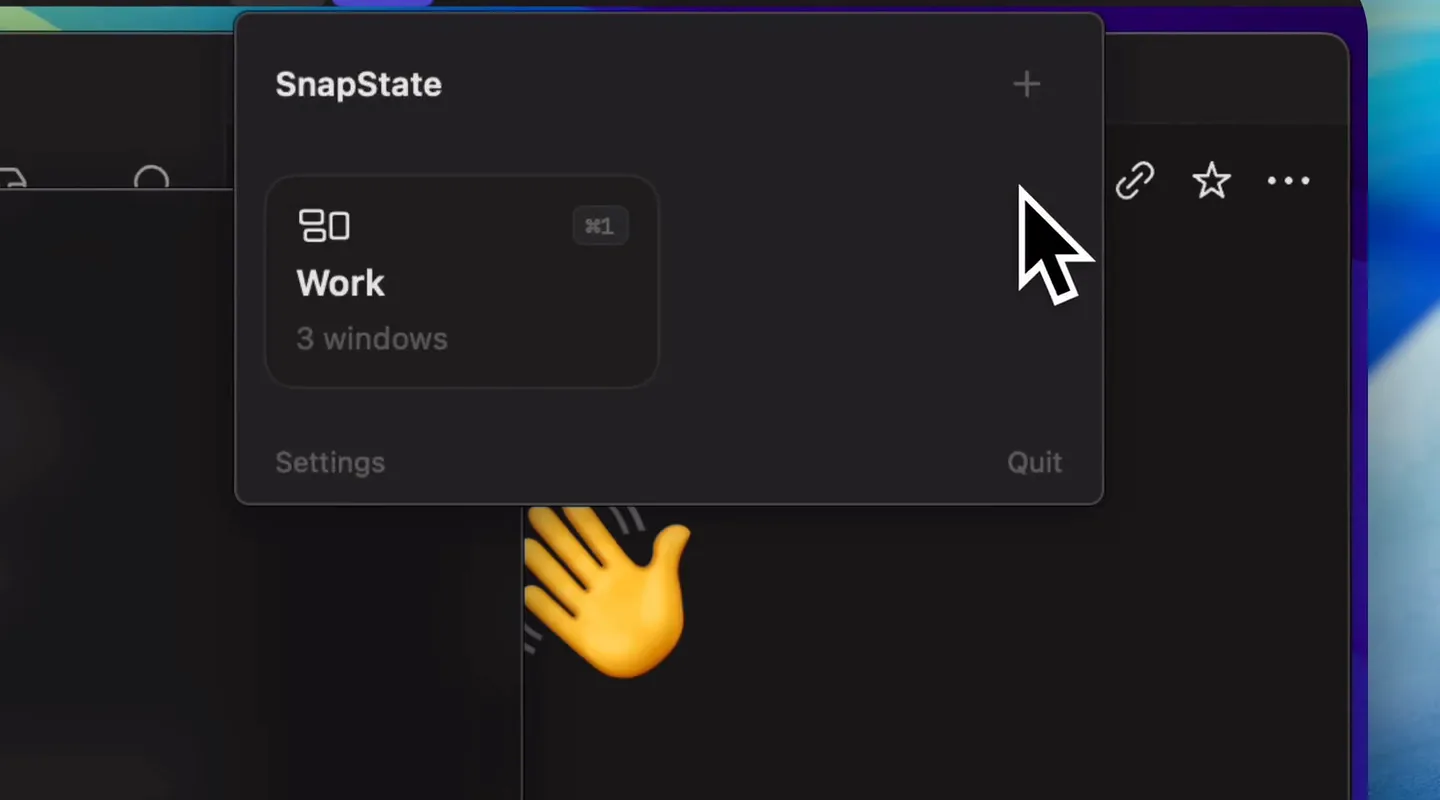
Command Reopen
The permission-free Cmd+Tab fix
“A fix for something that should have worked all along, without handing over Accessibility or screen access to do it. It keeps Apple’s own Cmd+Tab, it’s open source, and you forget it is running.”
Pay onceMenu bar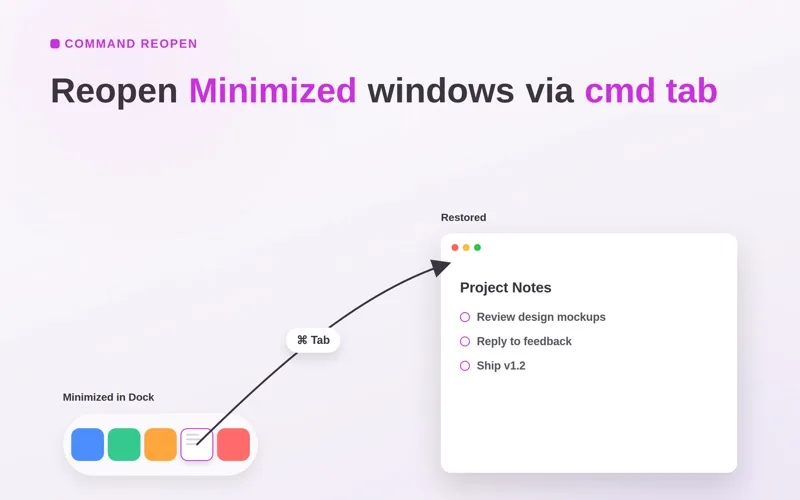
Haptiker
Slide along a trackpad edge to set volume, brightness or keyboard light.
“The quickest volume control on your Mac is the trackpad your hand is already on. One finger along the edge, a soft tick at every step, and it even dims your external monitor and lights the keys.”
Pay onceMenu bar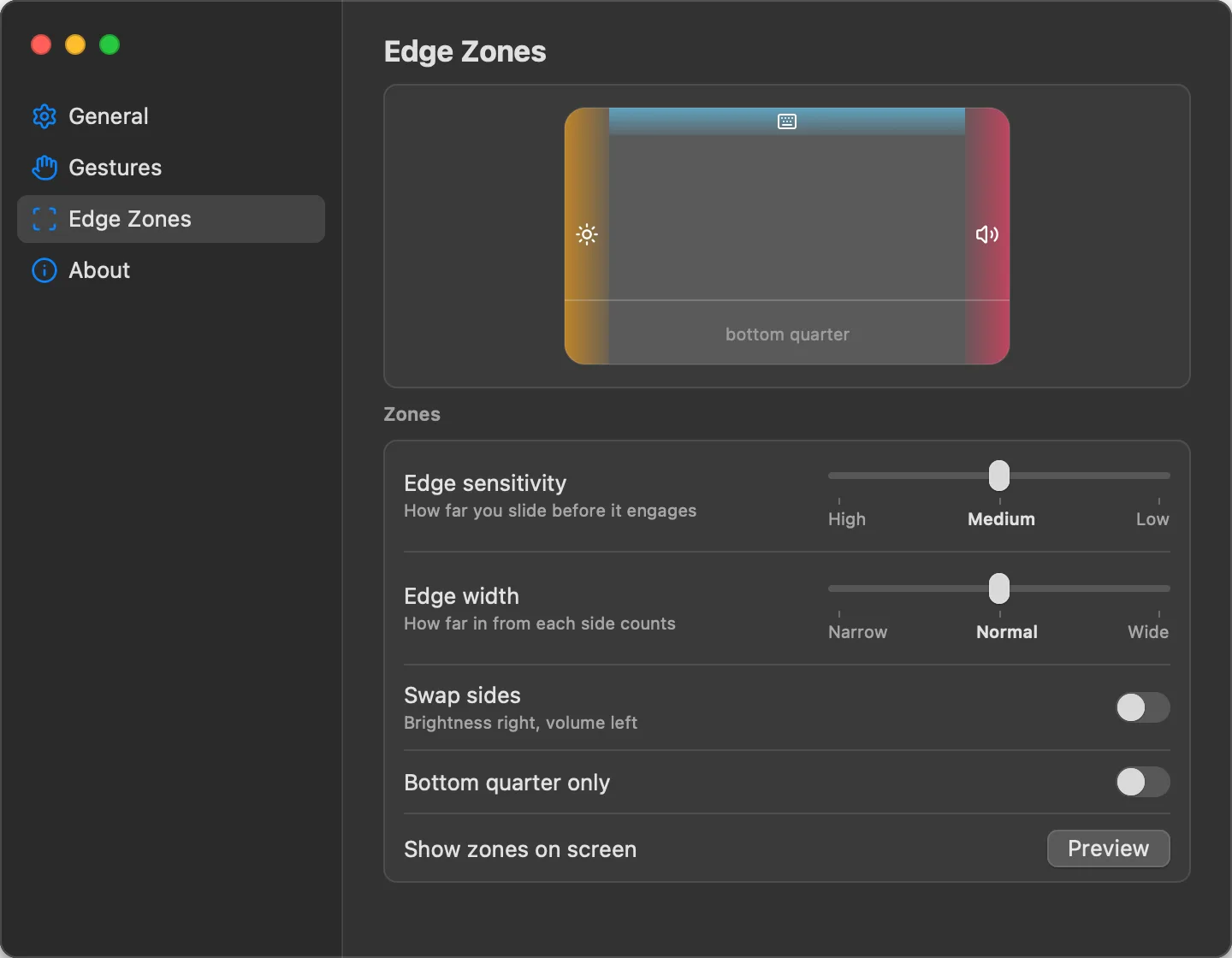
Mole
Clean, uninstall, analyse and monitor your Mac, in one native app.
“CleanMyMac, an uninstaller, DaisyDisk and iStat Menus in one well-made app, from the developer of the free Mole command-line tool with over 70,000 GitHub stars. You review every item before anything is deleted.”
Pay onceMenu bar
Slap Alert
A pixel monkey in your menu bar slaps a sticky note on screen for every Stripe, Paddle, RevenueCat or Shopify sale.
“Silly on purpose, and that is the point: a small burst of joy for every sale instead of refreshing the payment dashboard all day. Read-only keys, no account, and it refuses full secret keys.”
Pay onceMenu bar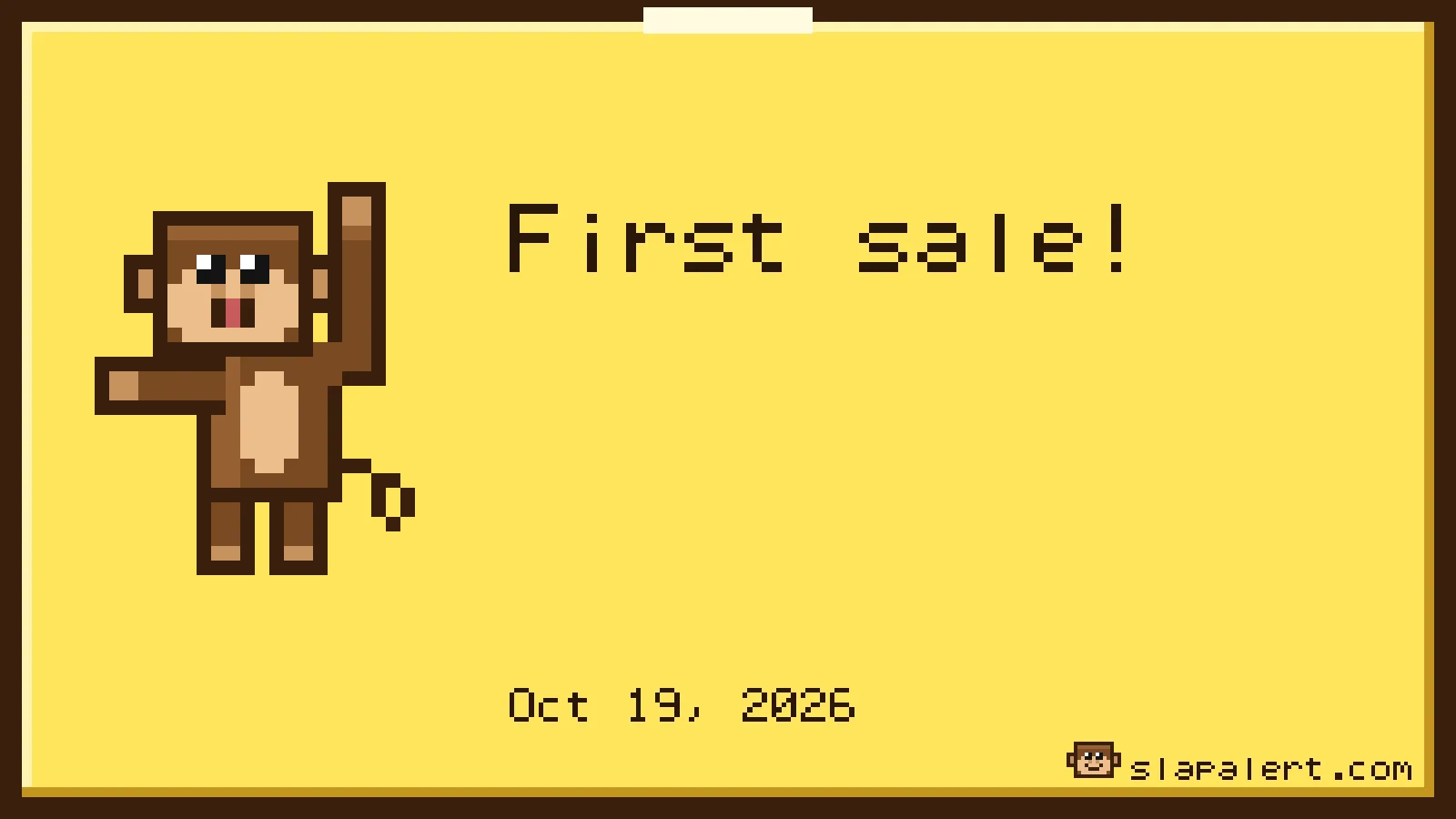
Make your Mac feel like yours


 7 apps
Little touches that make it personal.
Paperman
A soft paper texture over your whole screen.
“Night Shift changes the colour; Paperman changes the surface. A fine grain takes the glare off a bright screen without tinting anything, and it turns off per app when you need true colour.”
Pay onceMenu bar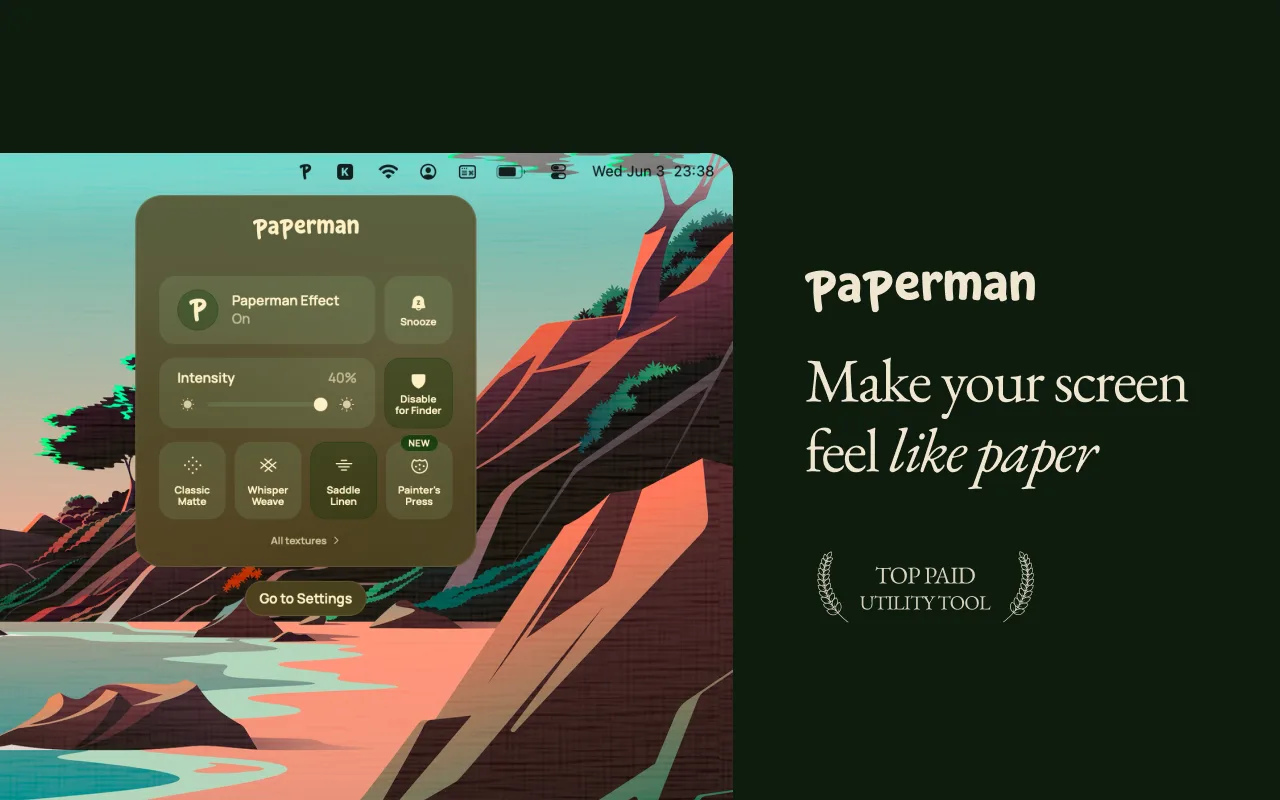
Sticktop
Peel-and-stick vinyl stickers for your desktop.
“The quickest way to give your Mac some personality. Stickers peel, curl and settle like real vinyl, and any photo becomes one in a click.”
Pay onceMenu bar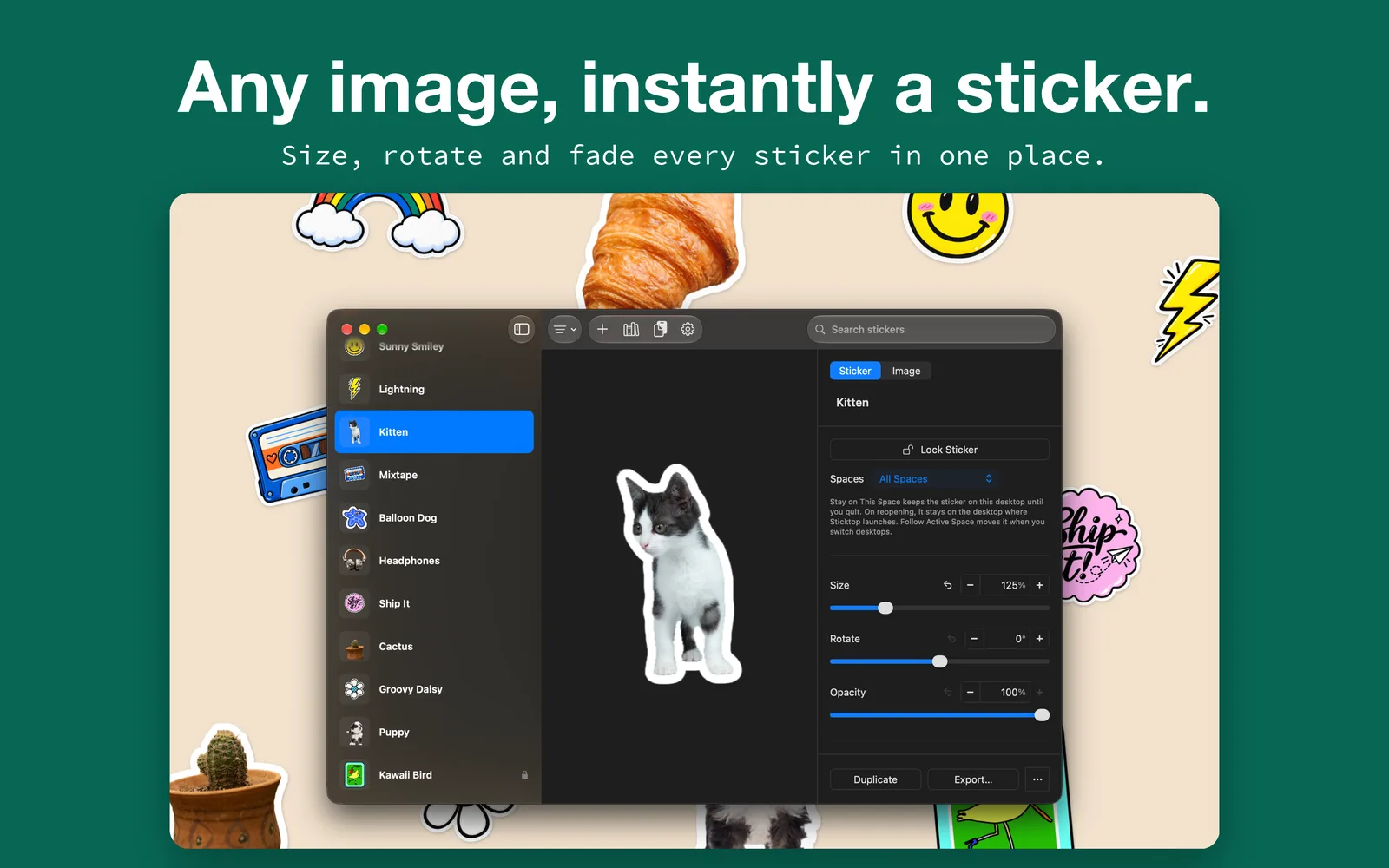
Windowcase
Wrap your Mac windows in wood, marble or metal.
“You’ll always know which window is active, and it will look like it was framed by hand. Fourteen real-feeling materials, zero intrusive permissions.”
Pay onceMenu bar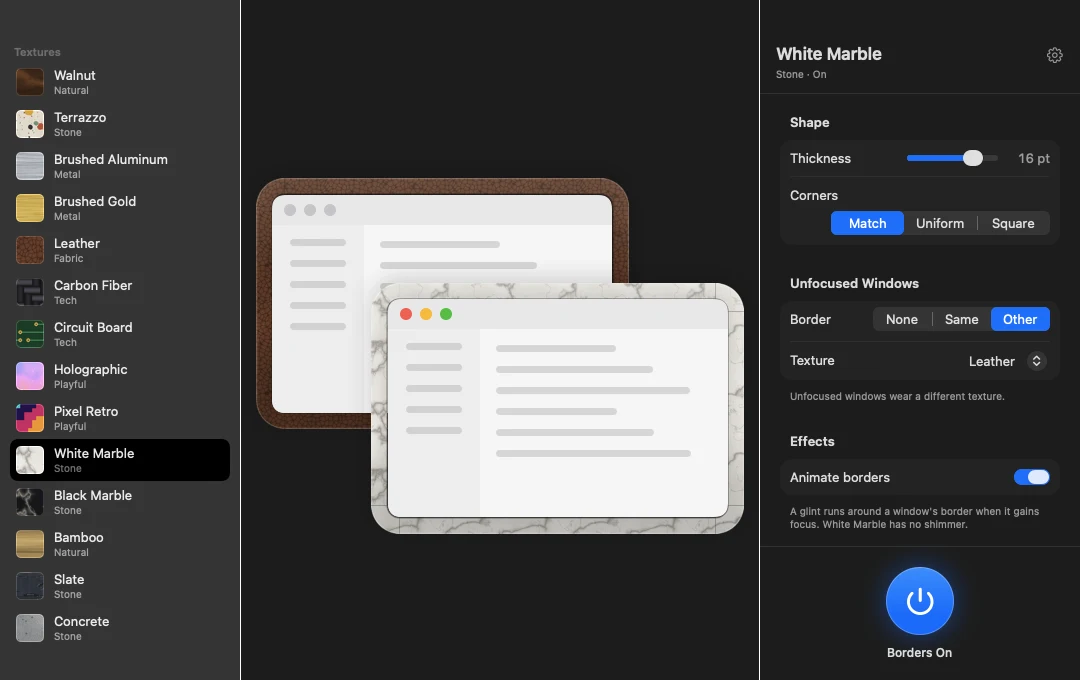
Hamdori
A tiny 3D hamster that lives in the corner of your desktop.
“A desktop pet that is genuinely charming, and careful with it: no Accessibility, Screen Recording or Input Monitoring access, no account, and it only counts key presses, never which keys. Paid for once.”
Pay once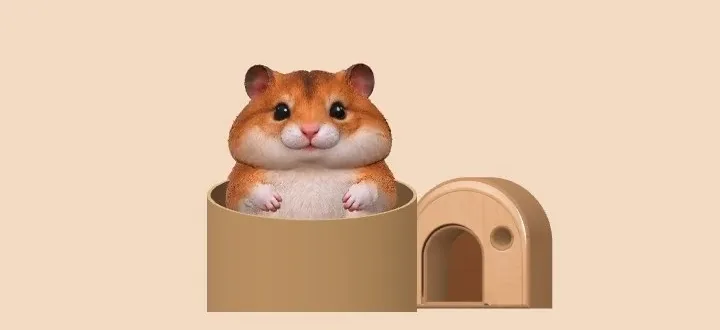
Penfont
Turn your handwriting into a real font.
“The most personal font you will ever install, made in minutes on your own Mac.”
Pay once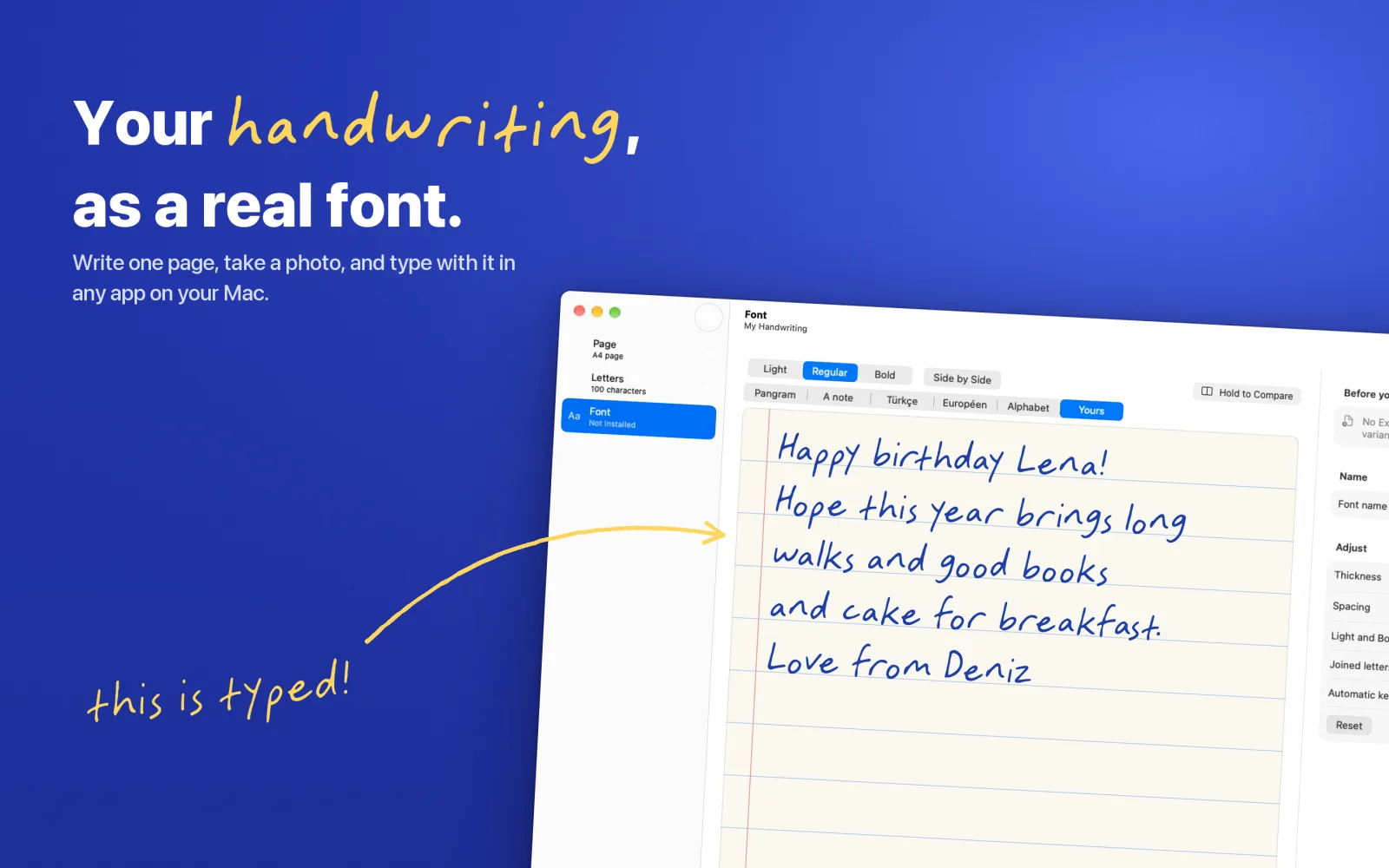
Klack
Mechanical keyboard sounds for every keystroke.
“Pure delight for five dollars. It makes a MacBook keyboard feel like a custom board.”
Pay onceMenu bar
Chitroll
Write it. Cut it. Tear it off.
“A to-do list made for the pleasure of finishing things: tearing off a done sheet is genuinely satisfying. Offline, no account, paid for once, and it works with Family Sharing.”
Pay once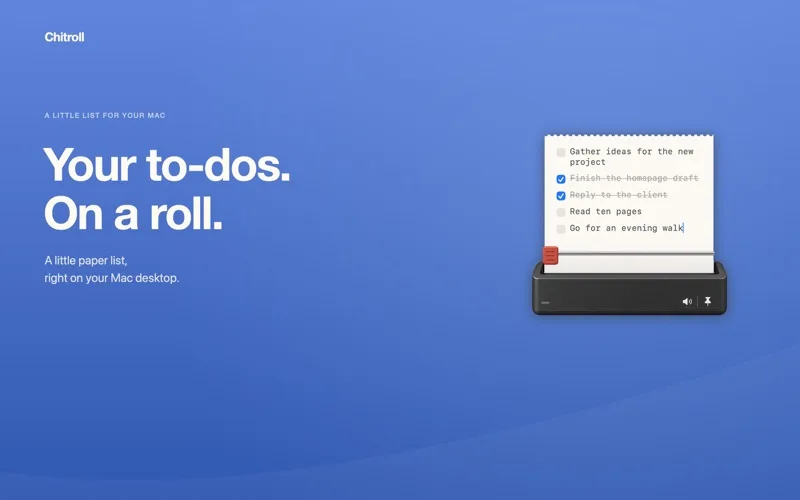
Keep an eye on things
 5 apps
Answers to “why is this happening?”
Slap Alert
A pixel monkey in your menu bar slaps a sticky note on screen for every Stripe, Paddle, RevenueCat or Shopify sale.
“Silly on purpose, and that is the point: a small burst of joy for every sale instead of refreshing the payment dashboard all day. Read-only keys, no account, and it refuses full secret keys.”
Pay onceMenu barMicro Snitch
Know the moment an app turns on your mic or camera.
“From the makers of Little Snitch. Tiny, trustworthy and set-and-forget.”
Pay onceMenu barOrb
Scores how good your internet feels, all day long.
“Speed tests measure the wrong thing. Orb tells you why video calls stutter even when the numbers look fine.”
Free + Pro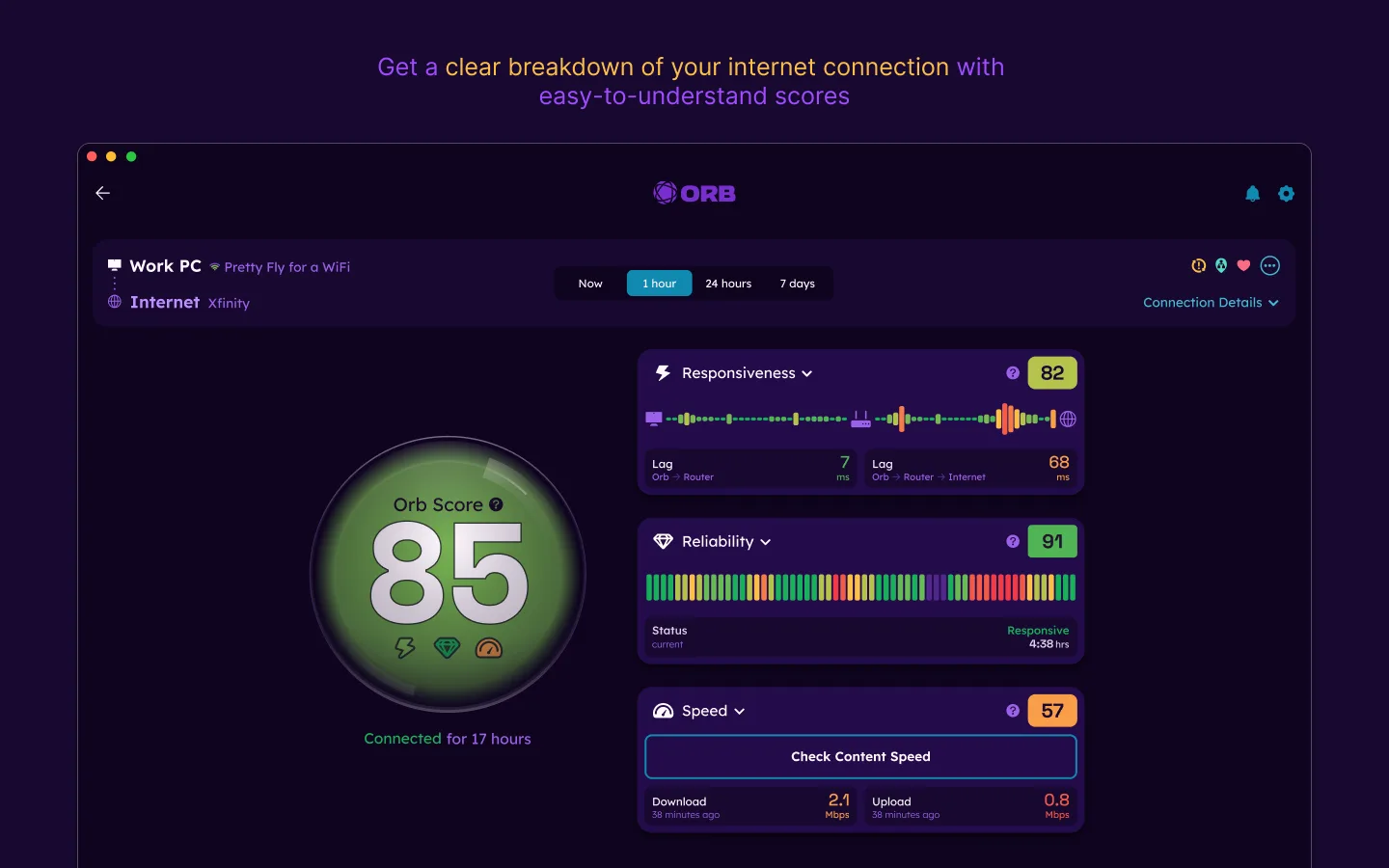
WhatCable
See what each USB-C cable can actually do.
“Finally, a way to sort the drawer of identical-looking USB-C cables. The free, open-source core covers what most people need.”
Free + ProMenu bar
Astropad Workbench
Check on your Mac and its AI agents from anywhere.
“Remote desktop rethought for the agent era: glance at what your Mac mini is doing from your phone, nudge it, and get on with your day.”
Free + Pro