
Why it's here
Not for
Intel Macs: reading cable data needs Apple silicon.
About WhatCable
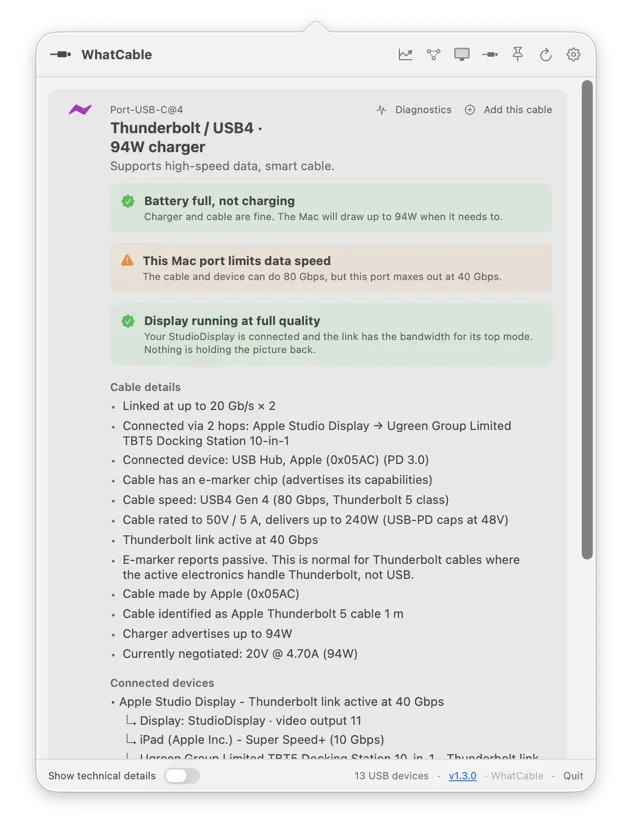
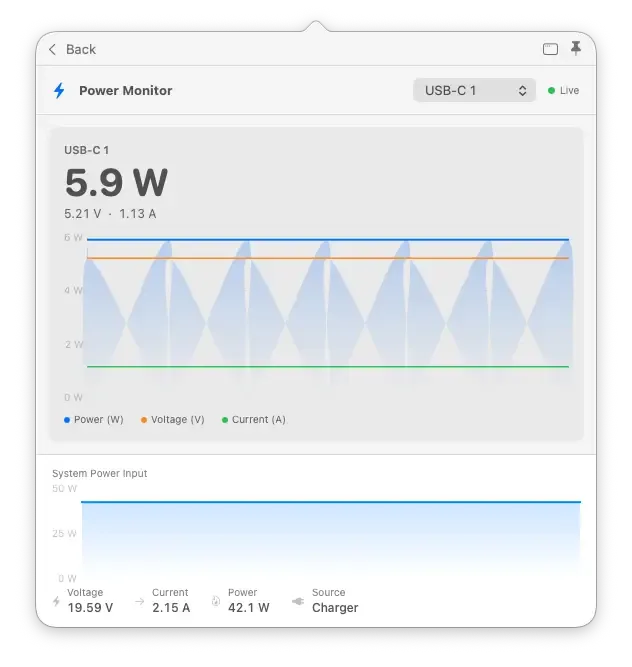
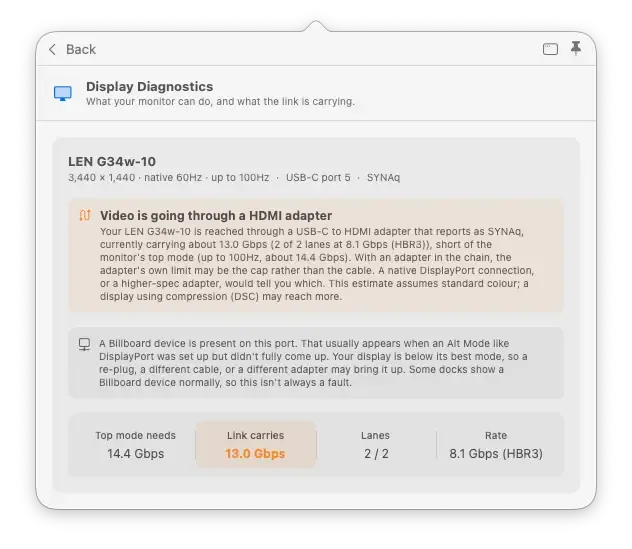
WhatCable reports what a plugged-in USB-C, Thunderbolt or MagSafe cable supports: charging wattage, data speed and video. It reads the cable’s e-marker chip and the negotiated power profile to explain slow charging or transfers, and flags cables that look counterfeit.
More like this

Backtrack
Save the last hour of audio after it happened.
“It quietly records in the background, so the moment you think “I wish I’d recorded that”, you already have.”
Free + ProMenu bar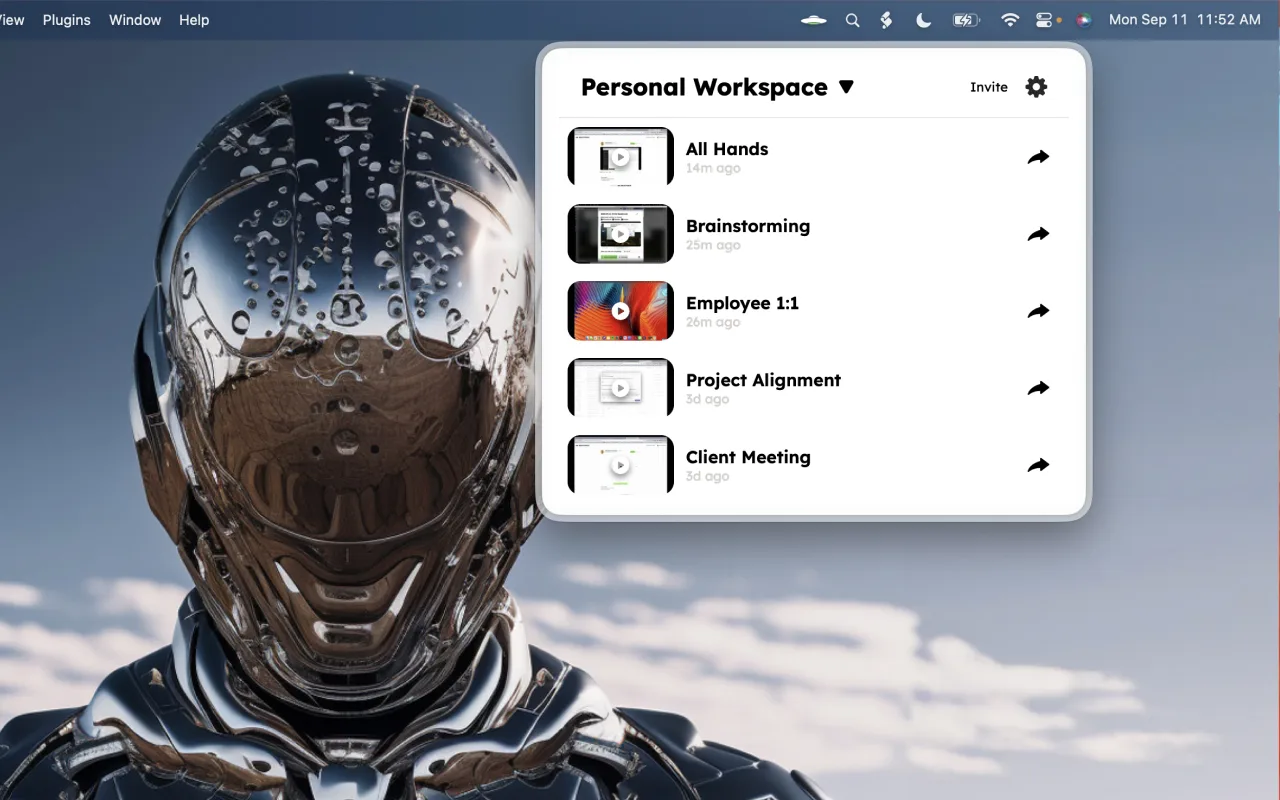

DisplayBuddy
Monitor brightness, volume and inputs from the menu bar.
“External monitors come with the worst buttons ever designed. DisplayBuddy puts every one of them in your menu bar, and presets switch a whole desk setup in one click.”
Pay onceMenu bar
Itsytv
Control your Apple TV from the Mac menu bar.
“Typing a search into an Apple TV with a real keyboard is worth the download on its own.”
Open sourceMenu bar