
Why it's here
Not for
Copying files to a drive. It writes whole disk images and erases whatever was there.
About balenaEtcher
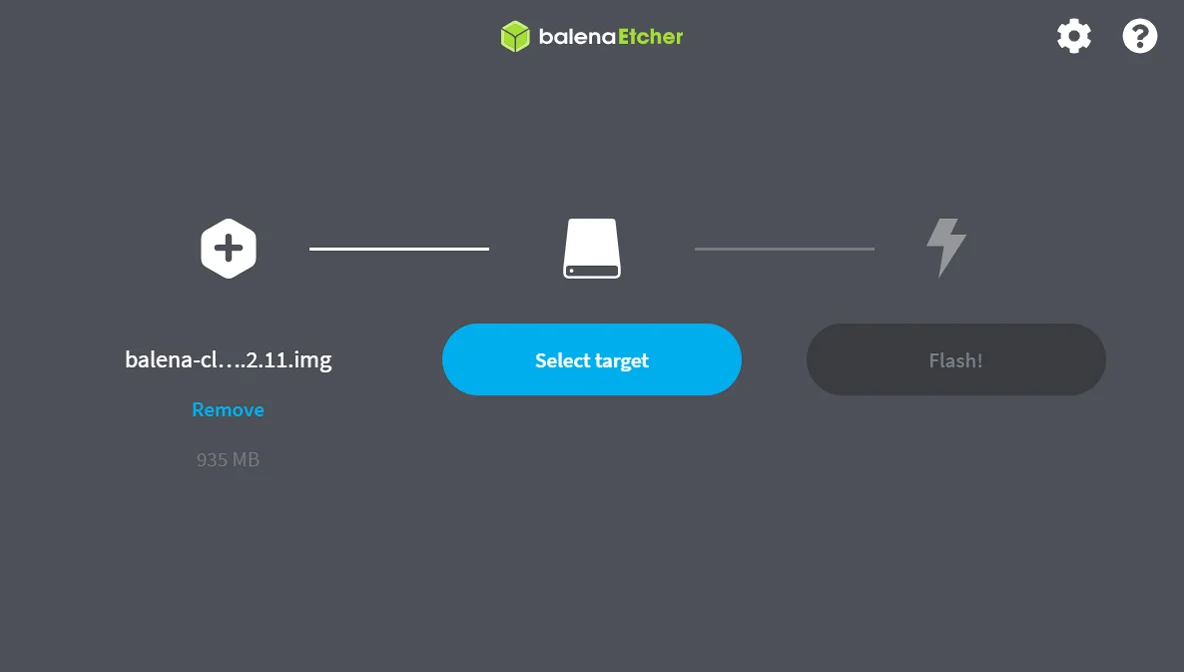
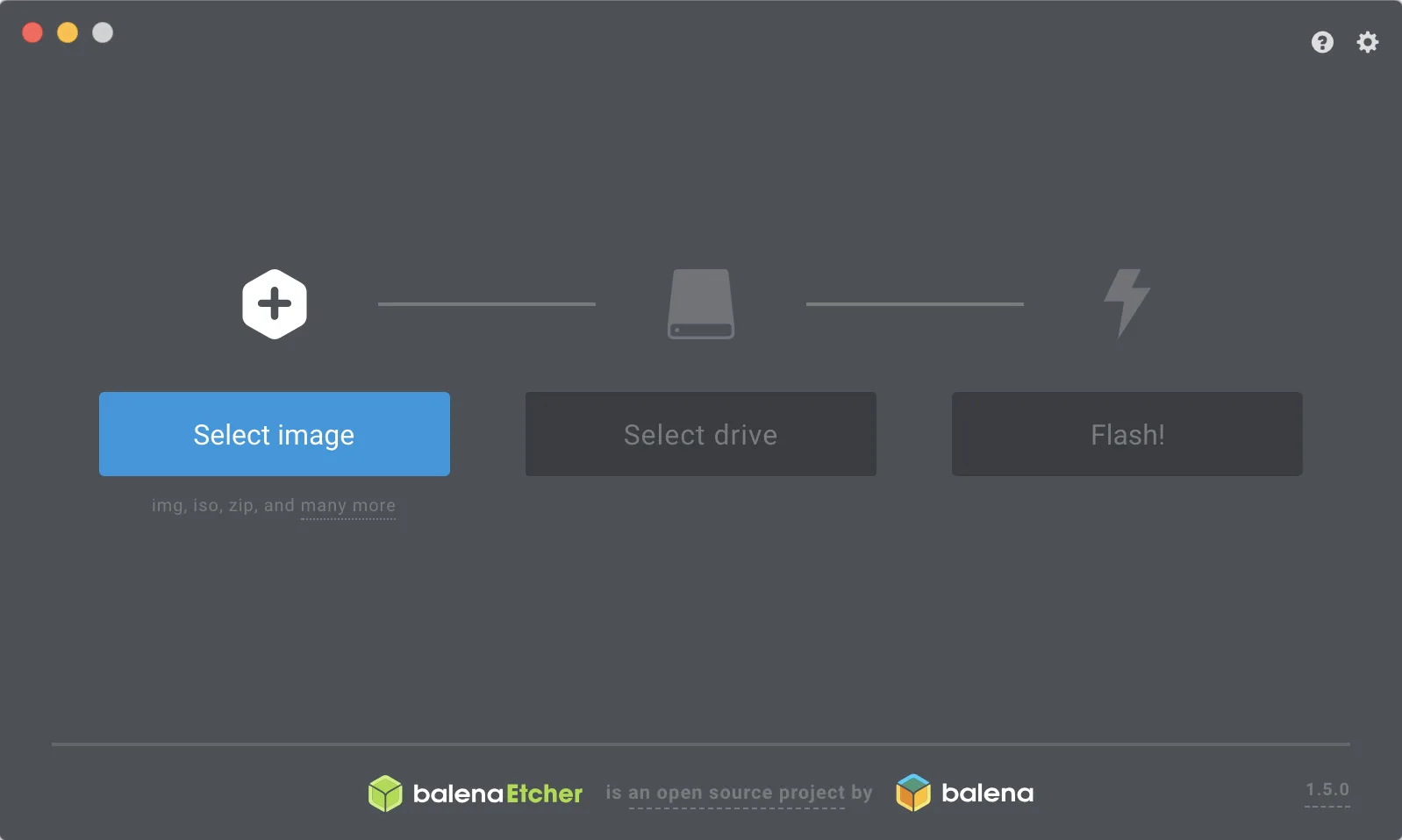
balenaEtcher writes disk images such as ISOs and Raspberry Pi images to SD cards and USB drives in three steps: pick the image, pick the drive, flash. It hides your system drives so you can’t erase them by mistake, and checks every write.